Organize your way
Use folders for different projects and smart folders to collect matching assets automatically. Let your library grow with your work.
Organize images and videos with folders and tags, and let AI understand your assets. Local, NAS, or custom cloud storage—your next creation starts here.
Your library is more than a place to store files. Find content through clear organization, discover details with AI, and bring the right assets into your next project.
Use folders for different projects and smart folders to collect matching assets automatically. Let your library grow with your work.
Organize content with names, folders, and tags. Explore AI analysis to quickly understand scenes and actions.
Drag assets to Infinite Canvas to create with AI, or to CapCut and other editors to start editing by hand.
Folders, smart collections, tags, and AI understanding. Spend less time organizing and more time on ideas worth exploring.
Organize folders by product, project, or creative theme. Browse images and videos in a familiar structure, and keep frequently used folders in quick access.
Asset library and folder management
Choose local storage, a NAS, or your own cloud storage. Manage different libraries in one app, with the storage that fits your needs.
Store your library on your computer. Organize images and videos on your own device, in a way that suits your workflow.
Connect your library to your creative workflow. Explore with AI or edit by hand, starting from the same asset.

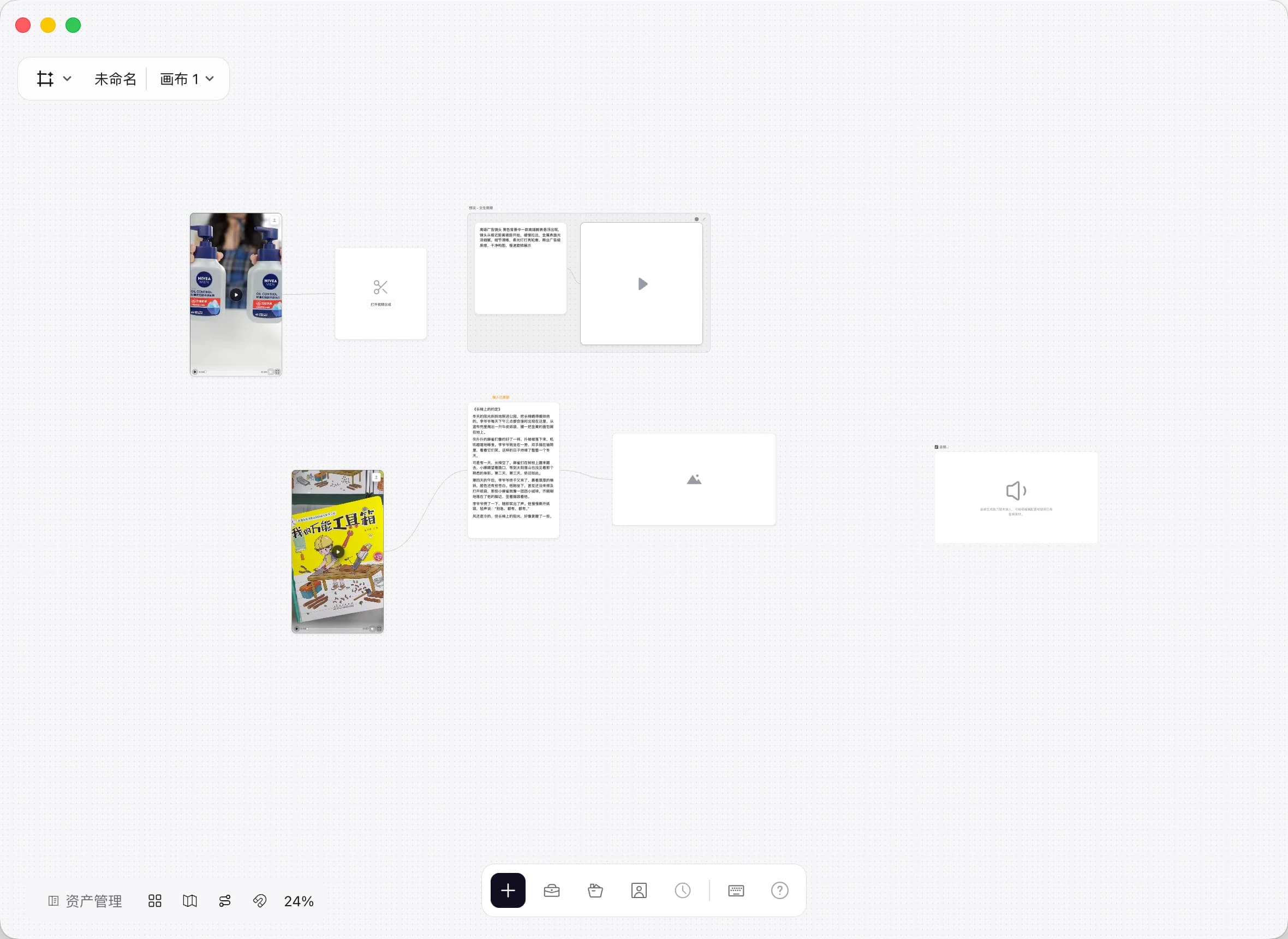
Drag assets straight from your library to Infinite Canvas. Connect them to text, image, video, and audio nodes to explore new creative directions.
Desktop workflow illustration